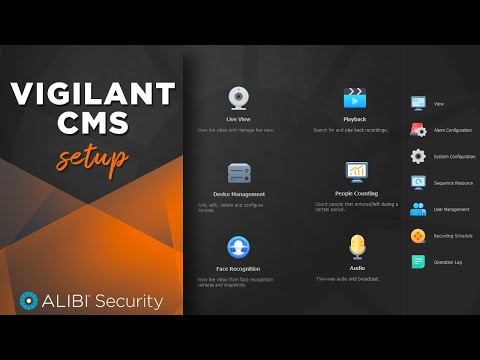
Alibi Vigilant - How To - Vigilant CMS Install and Setup
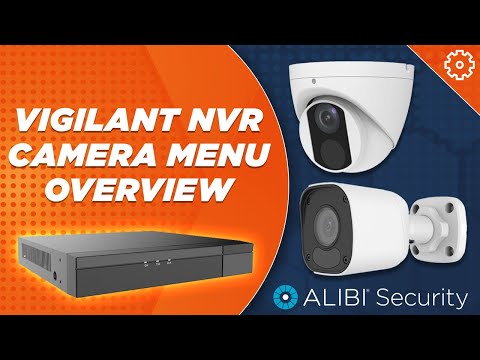
Alibi Vigilant - How To - NVR Camera Menu Overview
Alibi Vigilant - How To - Video Playback
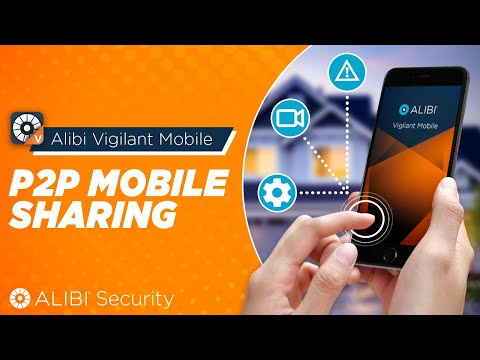
Alibi Vigilant - How To - P2P Mobile Sharing
Alibi Vigilant - How To - System Configuration
Alibi Vigilant - How To - Backup
Alibi Vigilant - How To - Initial Setup
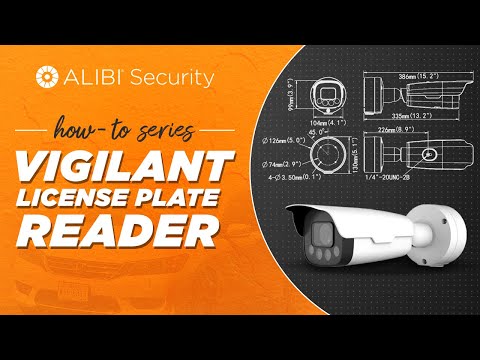
Alibi Vigilant - How-To: NDAA Compliant License Plate Recognition Camera Basic Setup
Alibi Vigilant - How To - NVR Camera Management
Alibi Vigilant: How To - Adding IP Cameras through a Switch
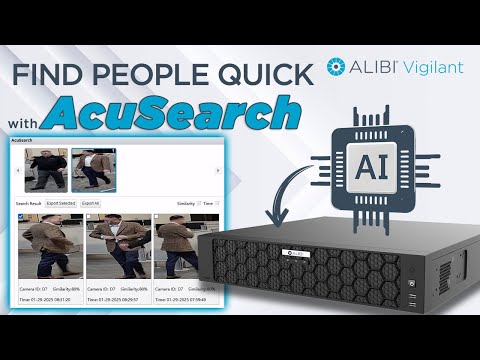
How to Use AcuSearch for Fast Human Search on the Alibi Vigilant AI-Powered NVR
Alibi Vigilant P2P Mobile Setup for Remote Viewing
Alibi Vigilant - How To - Storage Settings
Alibi Vigilant - How-To: NDAA Compliant License Plate Recognition Camera Plug-N-Play Setup
Alibi Vigilant Mobile - How To - Playback Features
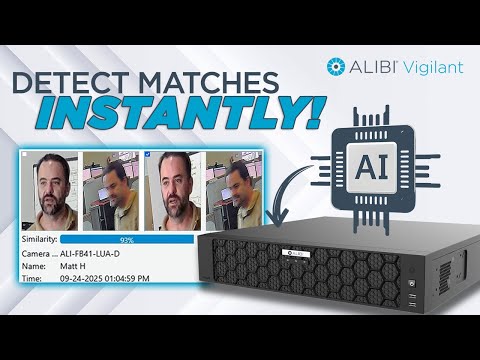
Detect Matches Instantly! How to Use Face Comparison on the Alibi Vigilant AI Powered NVR
Alibi Vigilant Mobile - How To - PTZ Controls
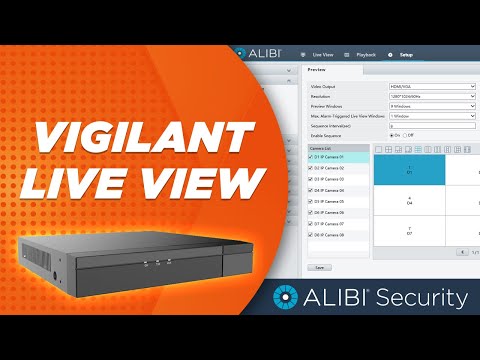
Alibi Vigilant - How To - Live View Settings
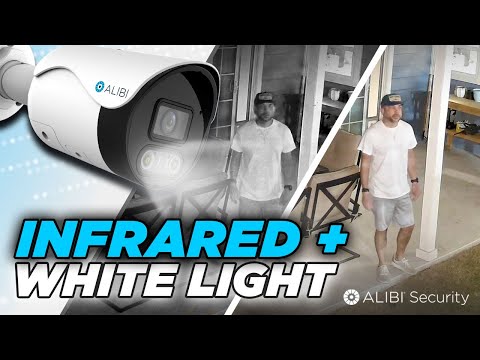
Dual-Light Night Vision Done Right | Alibi Vigilant Flex Series IP Cameras
Alibi Vigilant Control Center – Cloud Management for On-Premise Video Security